Launching July 1st

Hardcore Modded
Co-Op Survival

Welcome to Monolith. A brutal, beautiful, and unforgiving modded realm where death is punishing, teamwork is vital, and the mysteries of the ancient monoliths await you.

SERVER IP
🔒 IP Revealed on Launch
Launching July 1st
LAUNCH COUNTDOWN
00 Days
:
00 Hrs
:
00 Mins
:
00 Secs
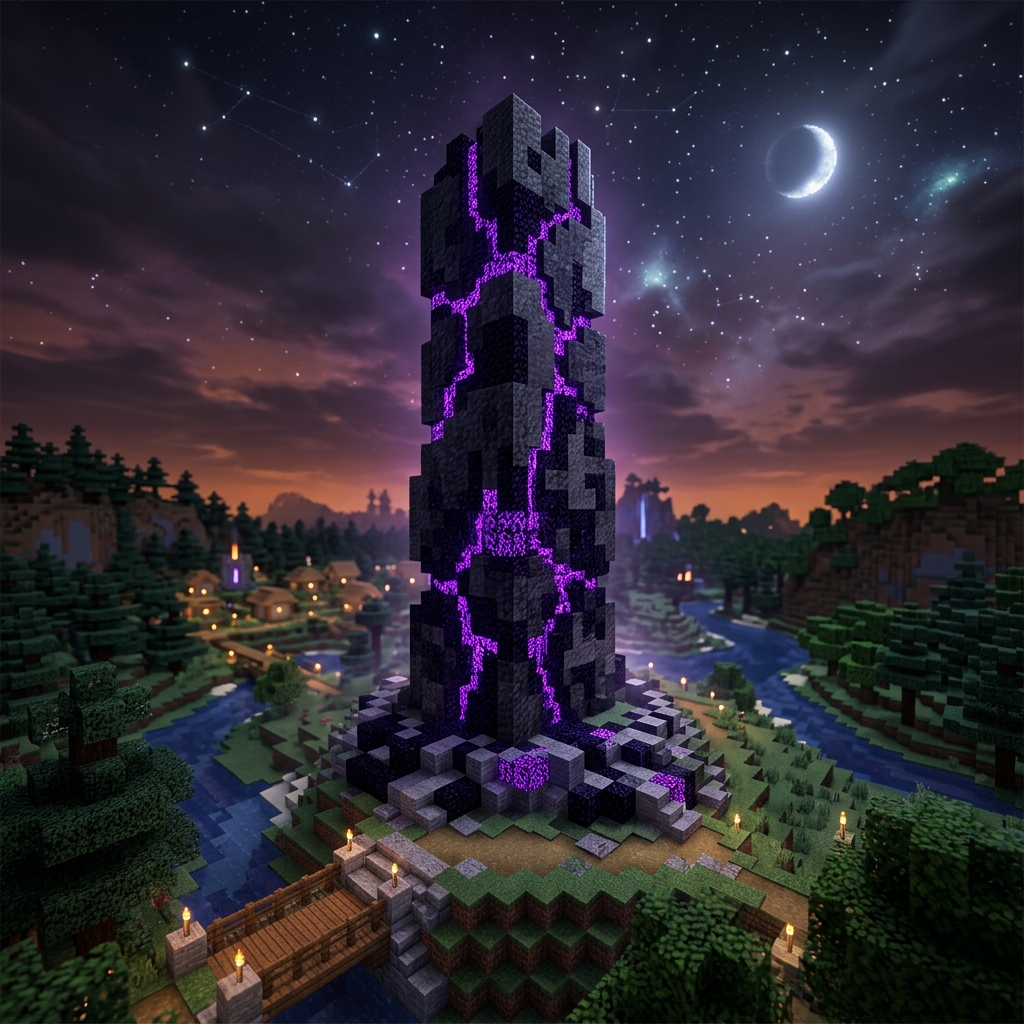
Minecraft Monolith Obsidian structure with purple glowing runes under starry sky

A New Era of Hardcore

Monolith changes the rules of engagement. Death is not the end, but it demands a toll that your allies must pay.

Immersive Ambiance

Experience a world that feels completely new. Pitch-black nights force you to plan your journeys, while remastered sound physics bring caves and forests to life with echo and depth.

Hardcore Revival

When you die, you enter a ghostly state. Your teammates have exactly 10 minutes to revive you (a window that will slowly decrease as the server progresses) before your soul decays and you are dead permanently.

Intricate Modpack

A curated set of mods tailored specifically for Monolith SMP. Beautiful world generation, atmospheric lighting, immersive sounds, and subtle QoL improvements that keep the classic feel intact.

IMMERSIVE DARKNESS

Absolute Darkness

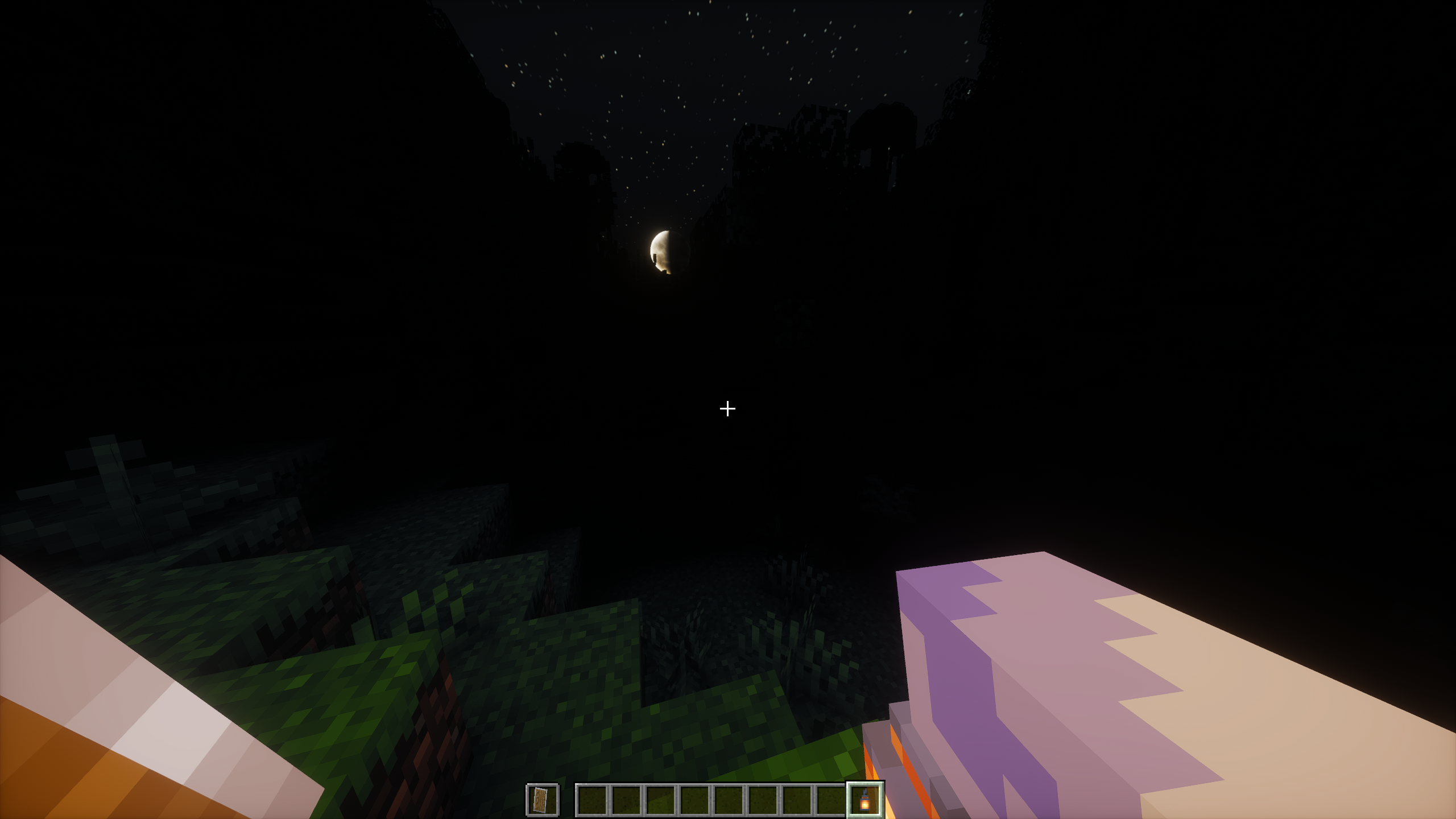
Nights and caves are completely pitch-black on Monolith. Unless you hold a torch, carry a dynamic light source, or stay close to campfires, you will see absolutely nothing. This screenshot shows the true darkness setting in action.

Minecraft Monolith Hardcore Dynamic darkness gameplay preview screenshot
IMMERSIVE FEATURES

Designed for Group Play and Exploration

Our modpack is tailored to create an atmosphere of mystery and danger. We've enhanced the basic mechanics of Minecraft without turning it into an unrecognizable RPG.

  • Soul Revivals: When you perish, you leave a corpse. Allies must complete a ritual to revive you within 10 minutes (which shrinks as the season progresses), or you are permanently dead.
  • Atmospheric Soundscapes: Proximity voice chat with realistic echo and muffling effects in caves and structures.
  • Stunning Visuals: Dynamic lighting, enhanced fog, and beautifully redesigned biomes that feel ancient and mysterious.
  • Advanced Structures: Explore towering dungeons and giant monoliths hidden deep in the wilderness containing rare loot.
THE MODS

Core Mod List

Hardcore Revival Gameplay / Mechanics
Simple Voice Chat Communication
Tectonic Worldgen Terrain
Sound Physics Remastered Audio
Sodium & Iris Shaders Performance

Join The Adventure

Follow this quick guide to set up the modpack and connect to Monolith SMP.

Get the Official Modpack

Download the curated client package containing all config files, shaders, and mods.

Download Modpack .ZIP
  1. 1
    Download and install the latest version of ATLauncher.
  2. 2
    Click the Instances tab on the right-hand sidebar of ATLauncher.
  3. 3
    Click the Import button at the top, select the downloaded MonolithRevival-26.1.1.zip file, name your instance, and click Import.
  4. 4
    Click Play on the newly created instance, log in to Minecraft, and connect to [IP Revealed on July 1st]!
  1. 1
    Open the CurseForge App and go to the Minecraft section.
  2. 2
    Click Create Custom Profile at the top right, then select the Import option.
  3. 3
    Select the downloaded MonolithRevival-26.1.1.zip file and let CurseForge extract and download the mods automatically.
  4. 4
    Click Play on the instance, log in to Minecraft, and connect to [IP Revealed on July 1st].

Rules & FAQ

Got questions? We've got answers. Make sure to read the rules before joining.

When you die, you drop a corpse and enter a ghost state. While you are a ghost, you can float around but cannot interact with the world. To revive you, your teammates must interact with your corpse and use a special revival items, or spend their own experience/soul shards. Be careful: your friends only have 10 minutes to complete the revival (which will decrease over time as the server progresses) before you die permanently!

1. No hacking, x-raying, or exploiting bugs.
2. Respect all players. Griefing bases is forbidden, but consensual PVP is allowed.
3. Keep proximity chat friendly and clear of obnoxious noise.
4. Play as a team—cooperation is the core design of this server.

Proximity voice chat works out of the box in the modpack! Once you log in, press V to open the voice chat settings menu. Make sure your input and output devices are configured correctly. You can test your microphone right inside the game.

You can add additional client-side mods (like performance mods or custom resource packs). However, do not remove any of the required server connection mods. Please note: if you decide to use your own shaders or texture packs, nights and caves should remain pitch black unless you are holding a torch or light source, as absolute darkness is a key part of the server's immersive experience.